Simplifying Complex Projects with Kanban
Conquering the 'Complexity Monster'
We've all been there: you're handed a project brief that's 50 pages long, involves six different departments, and has a deadline that feels impossible. Your first instinct is probably to panic. When a project feels too big, our brains tend to freeze. We don't know where to start, so we don't start at all. This is the 'Complexity Monster', and it's the leading cause of project stagnation and team burnout. But there is a powerful weapon against this monster: Kanban.
The magic of Kanban is its ability to take an overwhelming mass of work and transform it into a series of small, manageable, and visual steps. It forces you to stop looking at the mountain and start looking at the path directly in front of you. By focusing on 'The Next Small Thing', Kanban helps teams maintain momentum, reduce stress, and deliver high-quality results even in the most challenging environments. This post explores why Kanban is the ultimate tool for simplification and how you can use it to tame your most complex projects.
The Psychology of the 'Small Win'
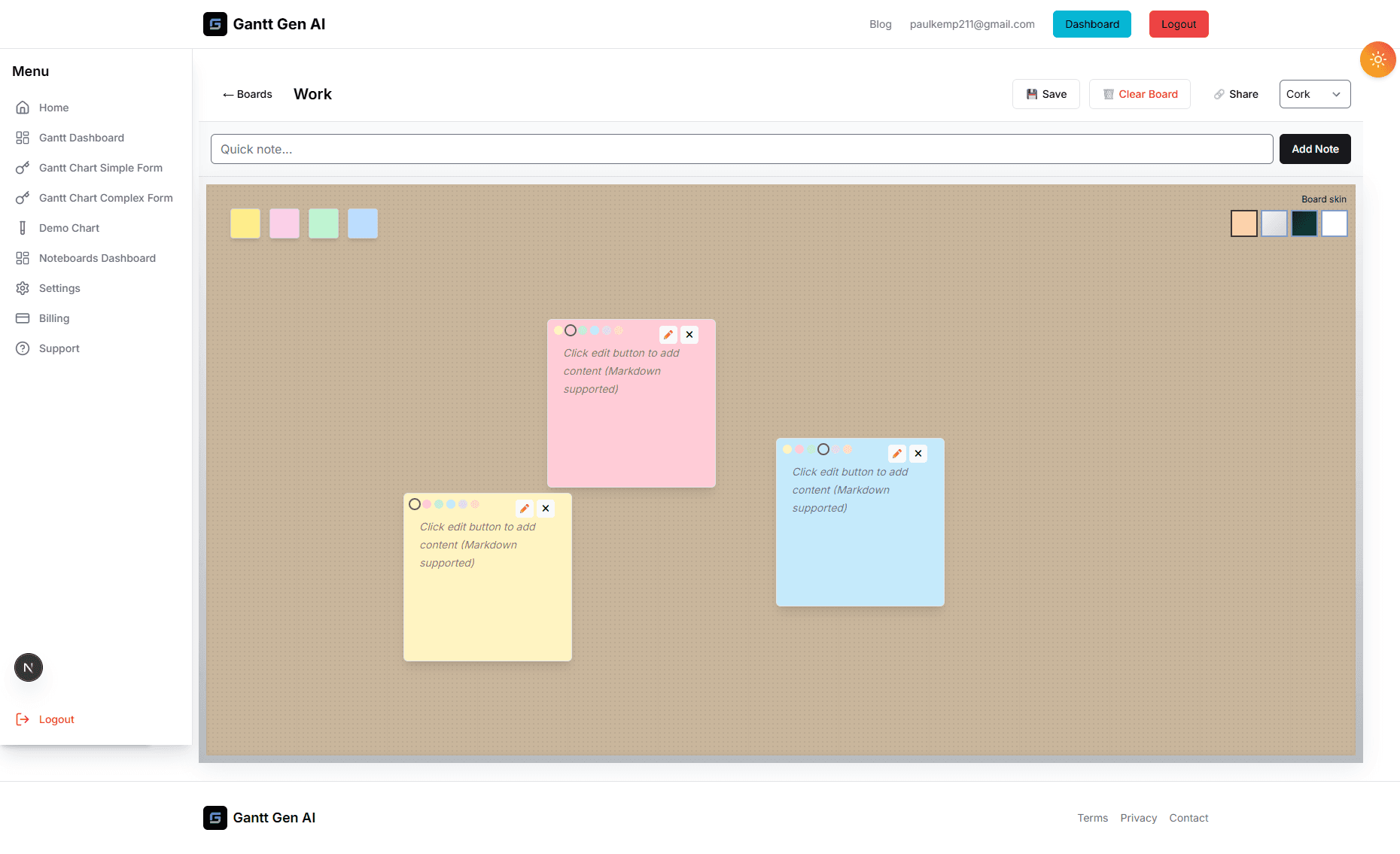
Our brains are wired to crave completion. Every time we finish a task, we get a small hit of dopamine—the 'feel-good' chemical. When we are working on a massive project without clear milestones, we go weeks without that hit. We feel like we're working hard but not getting anywhere. This leads to 'Project Fatigue'. Kanban solves this by breaking work into discrete 'Cards'.
There is a profound psychological benefit to physically moving a card from 'In Progress' to 'Done'. It’s a visual confirmation of progress. By ensuring your Kanban cards represent small units of work (tasks that take 4-8 hours), you give your team the opportunity for multiple 'Small Wins' every single week. This momentum is the fuel that keeps a project moving forward. It turns a daunting marathon into a series of manageable sprints. Over time, those small wins add up to a major project success.
Visualizing the Invisible: Mapping Your Workflow
Complexity often stems from 'Invisible Work'—the emails, meetings, and minor adjustments that eat up our time but don't show up on a traditional schedule. If you don't see it, you can't manage it. A Kanban board makes all work visible. By creating columns that represent your actual process (e.g., 'Internal Review', 'Client Feedback', 'Final Polish'), you expose the hidden steps that often cause delays.
When you see 15 cards sitting in the 'Client Feedback' column, you suddenly understand why the project feels slow. It's not that the team isn't working; it's that you're waiting on external input. This visibility allows you to have data-driven conversations about project health. Instead of saying 'We need to work faster', you can say 'We need to streamline our client feedback process'. It shifts the focus from 'Blame' to 'Process Improvement'. By making the invisible visible, you gain the power to simplify and optimize.
Managing Dependencies without the Drama
In complex projects, tasks are often linked. 'Task A' must be done before 'Task B' can start. In a Gantt chart, this is represented by arrows and lines, which can become a 'spaghetti mess' when projects get large. Kanban simplifies this by using the 'Pull System'. Instead of a manager 'Pushing' work onto a team member based on a rigid schedule, the team member 'Pulls' the next available task from the top of the 'To Do' column as soon as they have capacity.
If a task has a dependency, it simply doesn't move into the 'Ready to Start' column until that dependency is met. It’s a self-regulating system that reduces the need for constant micromanagement. It empowers team members to take ownership of their workload and ensures that everyone is always working on the most important, ready-to-go task. This autonomy is a huge motivator and significantly reduces the 'cognitive load' on project managers, allowing them to focus on high-level strategy rather than daily task-shuffling.
Adapting to Change: The Agile Advantage
The only constant in a complex project is change. New requirements emerge, priorities shift, and unexpected obstacles appear. A rigid, long-term plan can break under the weight of these changes. Kanban, however, is built for agility. If a new high-priority task comes in, you simply add it to the top of the backlog. You don't need to re-work an entire three-month schedule; you just adjust the immediate focus of the team.
This 'Just-in-Time' planning allows you to remain responsive to your clients' needs without losing control of the project. It ensures that the team is always working on the most valuable tasks, even if those tasks didn't exist when the project started. By embracing change rather than fighting it, you reduce the stress of the unknown and build a more resilient project culture. If you're ready to stop feeling overwhelmed and start feeling in control, it's time to simplify your life with Kanban.